

Nanfeng Rent A Car (Pikazi Rent A Car)
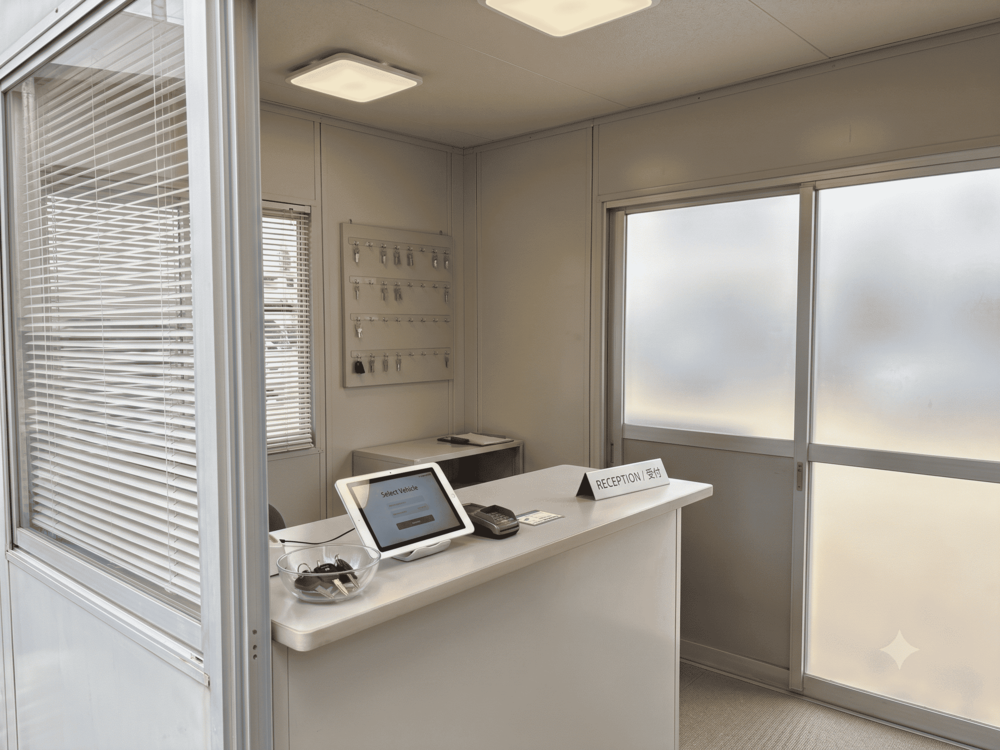
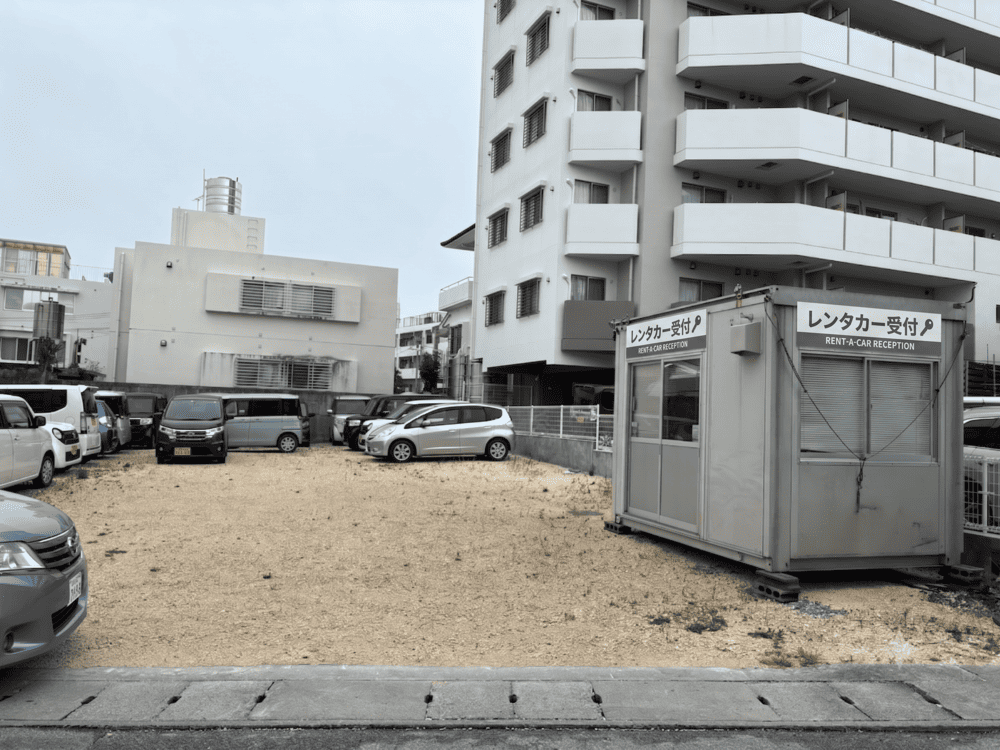

Location
3-4-11, Uehara, Naha, Okinawa
Tel.
+817091787778
Hours
Weekdays 08:00 - 18:00、Weekends & holidays 08:00 - 18:00
Closed
None
Payment methods
Cash payment only
HI Rental Car
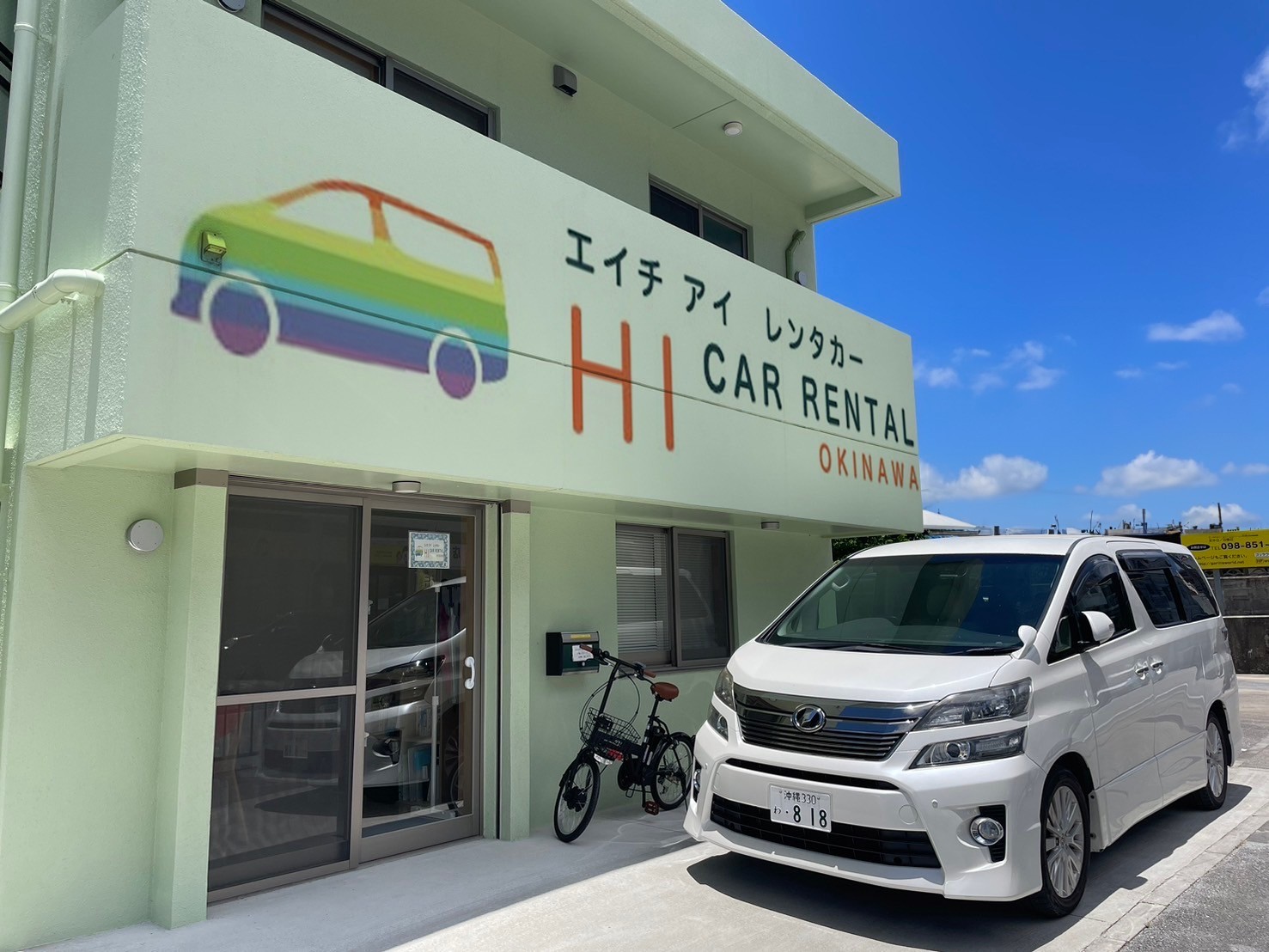
Location
1-1-7 Miyagi, Naha, Okinawa, Japan
Tel.
+818039201715
Hours
Weekdays 07:00 - 19:00、Weekends & holidays 07:00 - 19:00
Closed
None
Payment methods
Credit Card / Bank Transfer / Cash
Cordio Rent A Car
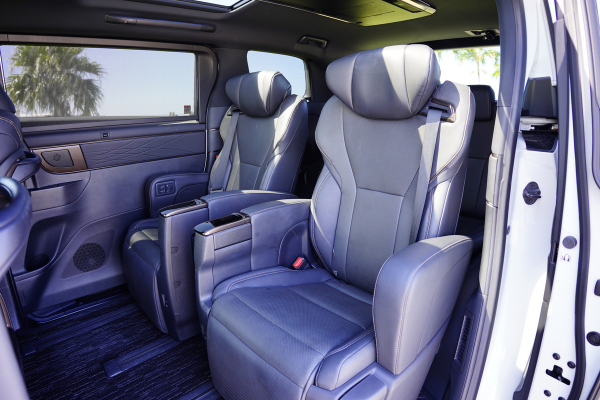
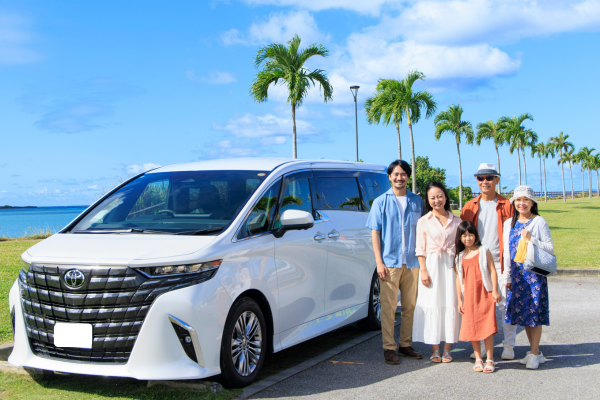
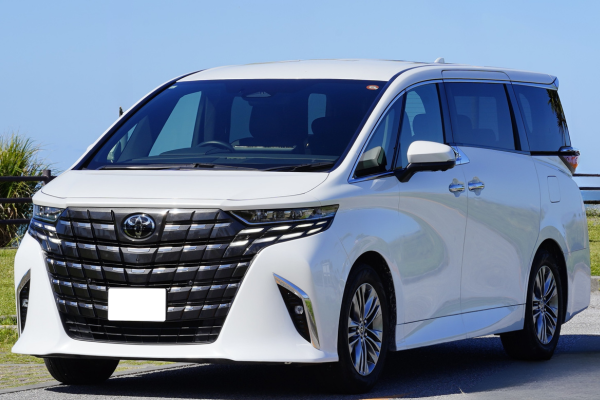
Location
Okinawa Prefecture Tomigusuku-shi Toyosaki 1-411 Lifestyle Center TOMITON 1F (next to the post office, in the same store as Alsta Rent a Car)
Tel.
+815038154823
Hours
Weekdays 09:00 - 19:00、Weekends & holidays 09:00 - 19:00
Closed
None
Payment methods
・Cash payment
・Various credit card payments (VISA, JCB, Master, AMEX)
Lightmarks EV Rental – Naha Airport Store
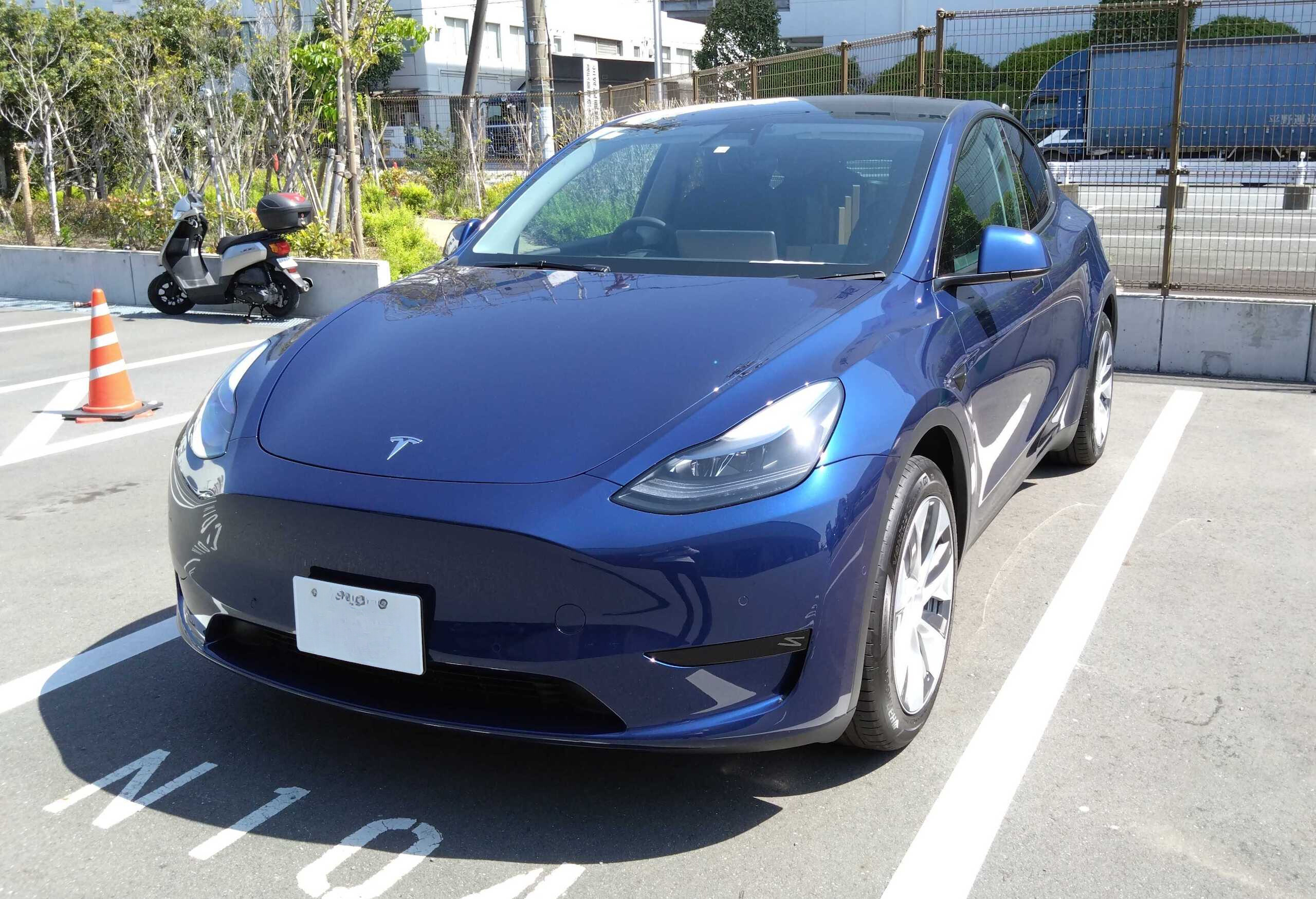

Location
18-4 Higashimachi, Higashimachi Building 6F, inside HAVE A GOOD DAY, Naha City, Okinawa, Japan
Tel.
+815031583388
Hours
Weekdays 08:00 - 20:00、Weekends & holidays 08:00 - 20:00
Closed
None
Payment methods
Payment on site: Credit card only
Cash payments are not accepted
LUCKY Rent A Car

Location
1-1225 Toyosaki, Tomigusuku City, Okinawa, Japan
Tel.
+815017228678
Hours
Weekdays 08:00 - 20:00、Weekends & holidays 08:00 - 20:00
Closed
None
Payment methods
For payment on site, you can choose from cash, major credit cards, or barcode pa...
N Rental Car Naha Airport Store
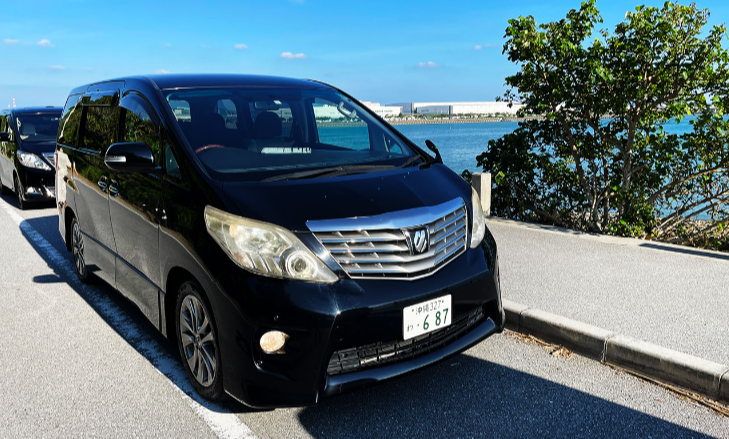

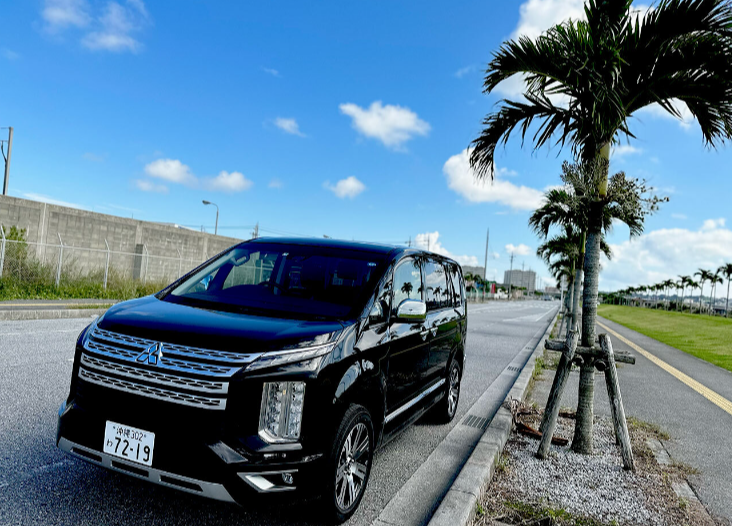
Location
3-3-19 Kora, Marunari Real Estate Building, Naha City, Okinawa, Japan
Tel.
+815033637144
Hours
Weekdays 09:00 - 21:00、Weekends & holidays 09:00 - 21:00
Closed
None
Payment methods
The following payment methods are available:
・Cash payment (on the day)<...
Eco Car Rental Naha Airport
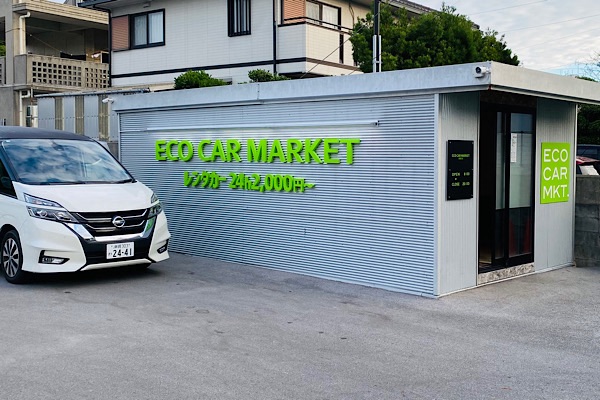

Location
127 Ganaha, Tomigusuku-shi, Okinawa
Tel.
+81989967258
Hours
Weekdays 08:00 - 20:00、Weekends & holidays 08:00 - 20:00
Closed
None
Payment methods
Payment is cash (Japanese yen only),
Credit card (Visa/Mastercard/JCB/AME...
How to Use

STEP 1 Make a reservation
Make a reservation for your preferred rental car on this website.
A reservation confirmation email will be sent to the email address you provided during the reservation process.

STEP 2 Pick up your rental car at the rental office
After arriving at the rental office, you will complete the necessary procedures.
You will need to present your driver's license, so please have it ready.
Rental office staff will explain the details of your insurance and compensation coverage, which may be difficult to understand. They will also inform you of points to keep in mind when returning the vehicle. Be sure to clarify any points you are unsure about.
Once these procedures are complete, you can finally start your Okinawa trip in your rental car!
STEP 3 Return the rental car
Complete the return procedures at the rental office.
Generally, you need to fill the tank when returning the rental car.
Be sure to keep the receipt as proof that you filled the tank.
There is often traffic congestion around Naha Airport, so we recommend allowing extra time when returning the car.
FAQ
How to make a reservation
① Select either an area / airport / station from the homepage of the OKIREN reservation website.
② Select station/area details
③ Select date and time
④ search button
※Specific search as needed
Please contact the car rental company directly to confirm the details of the listed plan.
Reservations can be made from as early as 2 days later up to 8 months in advance.
It is possible to make a reservation on behalf of someone else. When making a reservation as a proxy, please enter the information of the actual customer who will be renting the car in the customer information section of the reservation form. Please note that the rental car company will receive the information entered for the customer.
Cancellations through the website are accepted up to 4 days before the rental start date.
If the cancellation deadline has passed, you will not be able to cancel through the website.
If you need to cancel after the deadline, please contact us at okiren_contact@o-naz.com
with the following information:
・Name used at the time of reservation
・Date and period of the car rental reservation
・Phone number
・Email address


