


Goodspeed Rent-A-Car Ishigakijima

Location
128-1 Moriyama, Ishigaki-shi, Okinawa
Tel.
+817022124092
Hours
Weekdays 09:00 - 19:00、Weekends & holidays 09:00 - 19:00
Closed
None
Payment methods
You can use cash or various credit cards!
MamreX Rent A Car
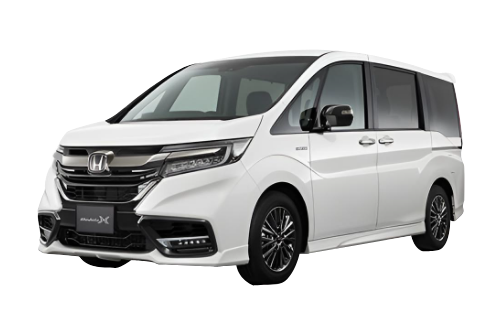

Location
781-1 Shiraho, Ishigaki-shi, Okinawa
Tel.
+815012014804
Hours
Weekdays 09:00 - 20:00、Weekends & holidays 09:00 - 20:00
Closed
None
Payment methods
Cash, credit card, QR, electronic money
Cycraft Rent A Car
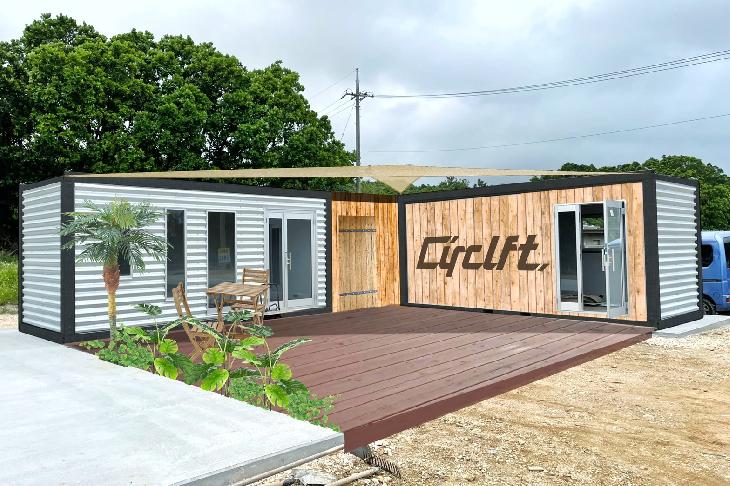
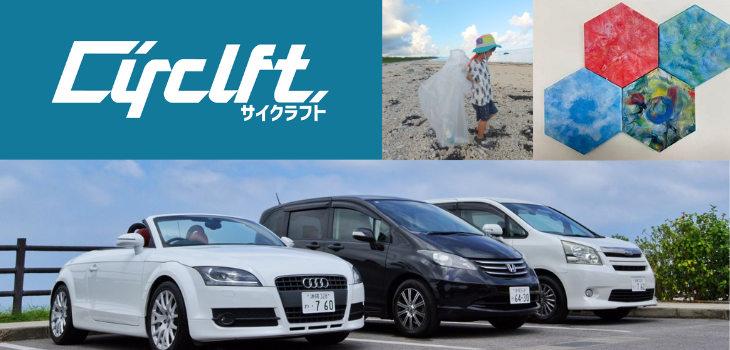
Location
785-1 Shiraho, Ishigaki-shi, Okinawa
Tel.
+81980879801
Hours
Weekdays 08:00 - 19:30、Weekends & holidays 08:00 - 19:30
Closed
None
Payment methods
Cash, credit cards, various electronic money (other than PayPay)
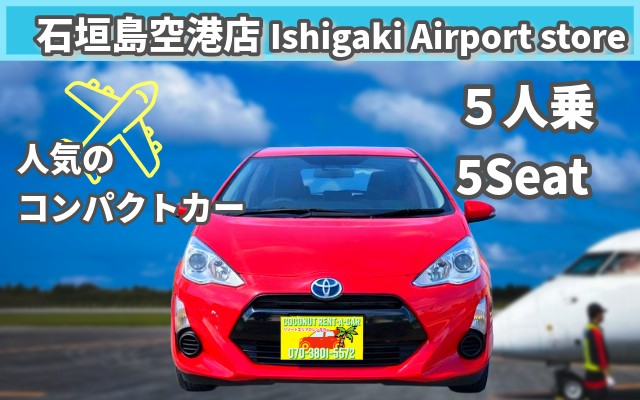
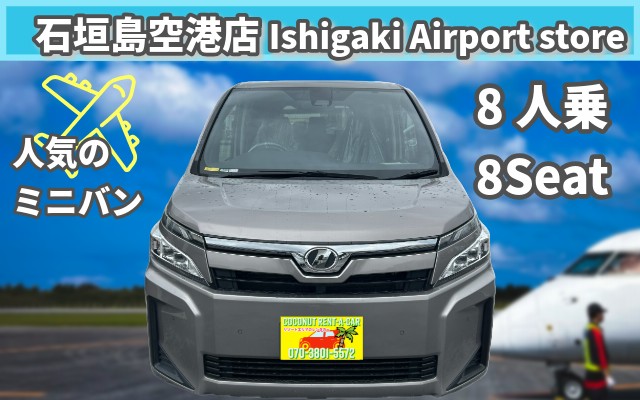
Coconut Rent A Car Ishigakijima Airport Office
Location
Ishigaki-shi Moriyama 222-35 Ishigakijima rent-a-car station
Tel.
+817038015572
Hours
Weekdays 09:00 - 20:00、Weekends & holidays 09:00 - 20:00
Closed
None
Payment methods
Various credit cards, Suica, and Docomo IDs can be used
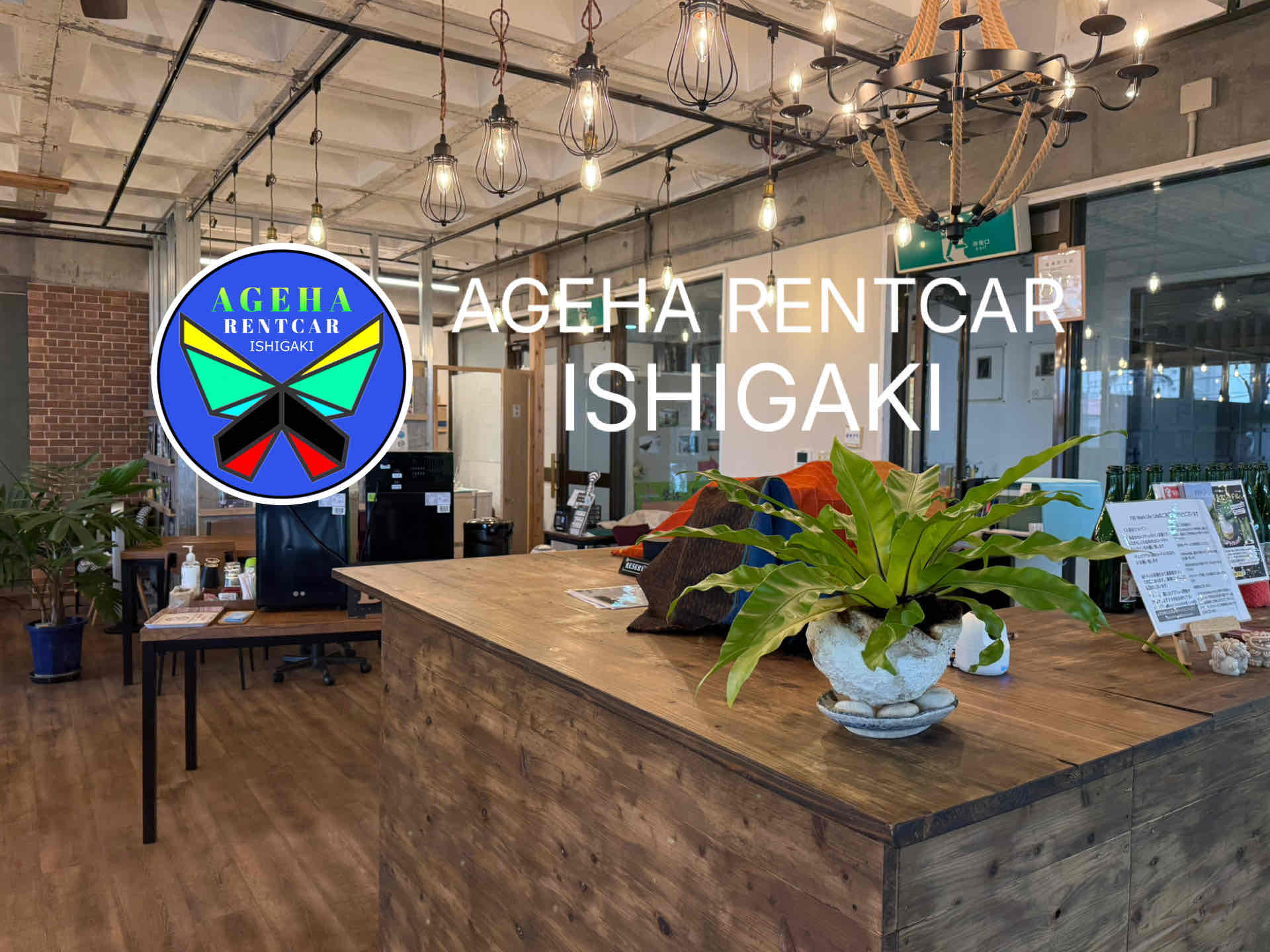
Ageha rent-a-car
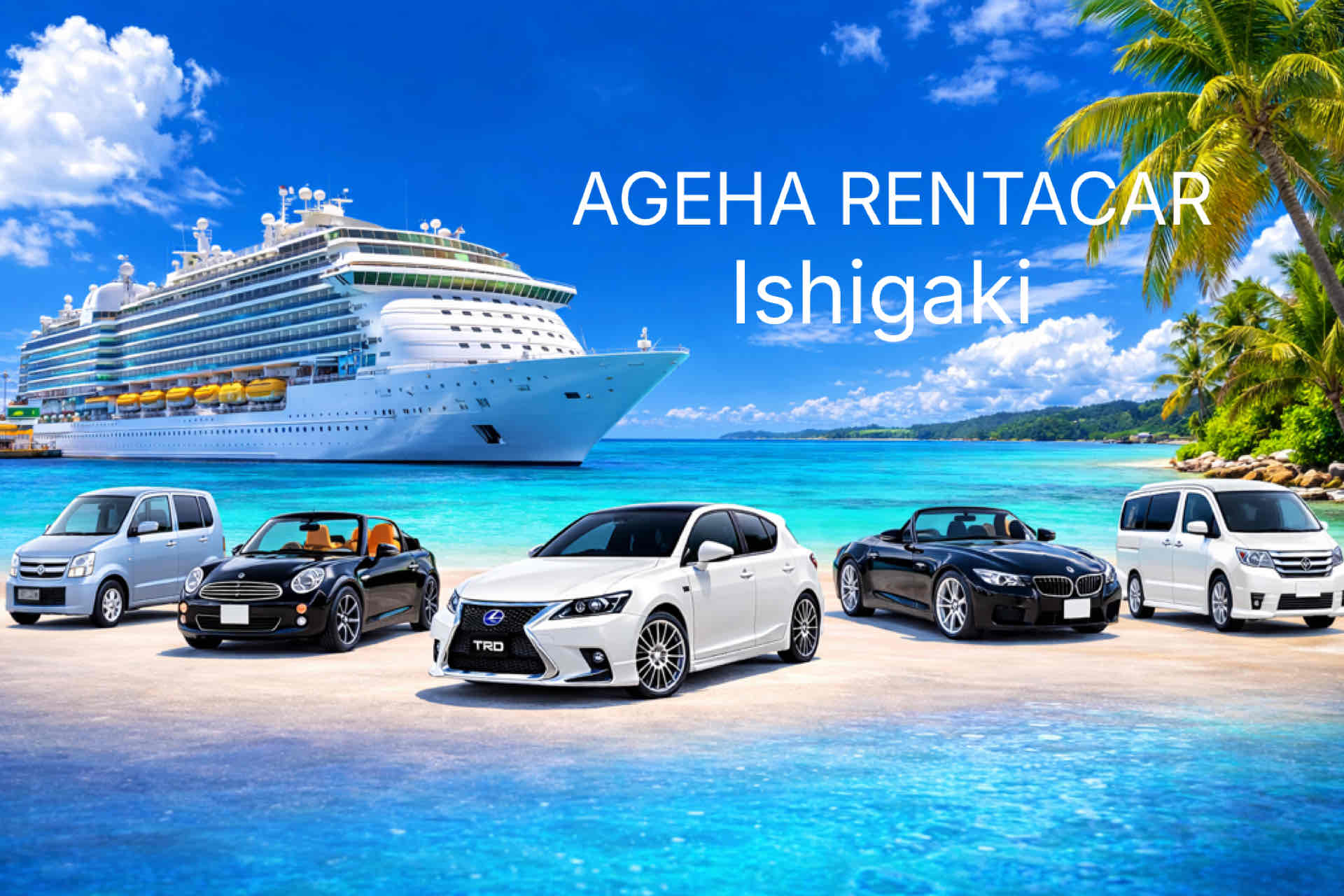
Location
2nd floor, 245 Okawa, Ishigaki-shi
Tel.
+818078859797
Hours
Weekdays 08:30 - 21:00、Weekends & holidays 08:30 - 21:00
Closed
None
Payment methods
Credit card, QR code payment, electronic money, cash payment
Yaima rent-a-car
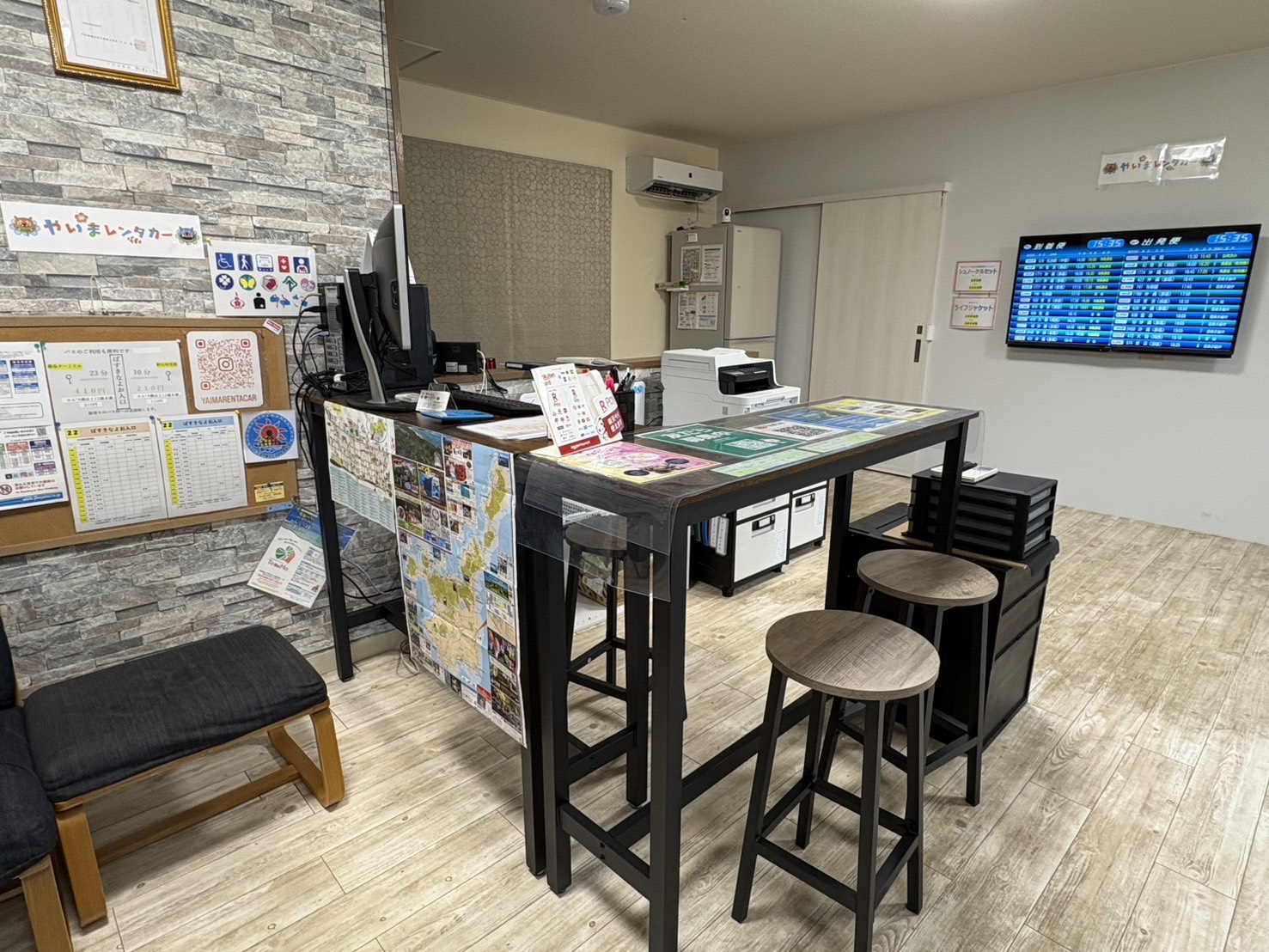
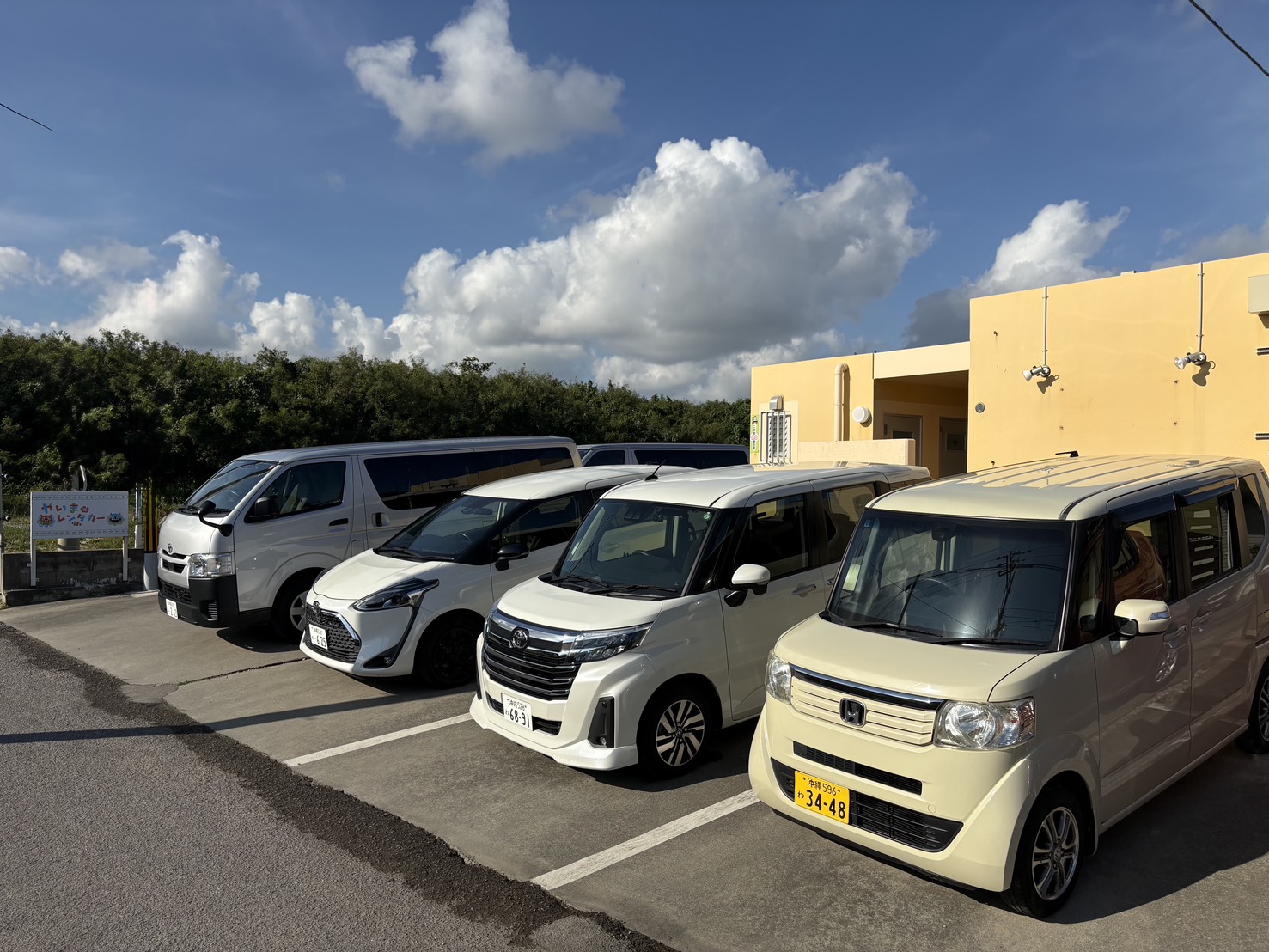
Location
270-2 Shiraho, Ishigaki-shi, Okinawa
Tel.
+817020064573
Hours
Weekdays 09:00 - 20:00、Weekends & holidays 09:00 - 20:00
Closed
None
Payment methods
Credit cards and various QR payments
Ishigakijima Nankoku Car Rental
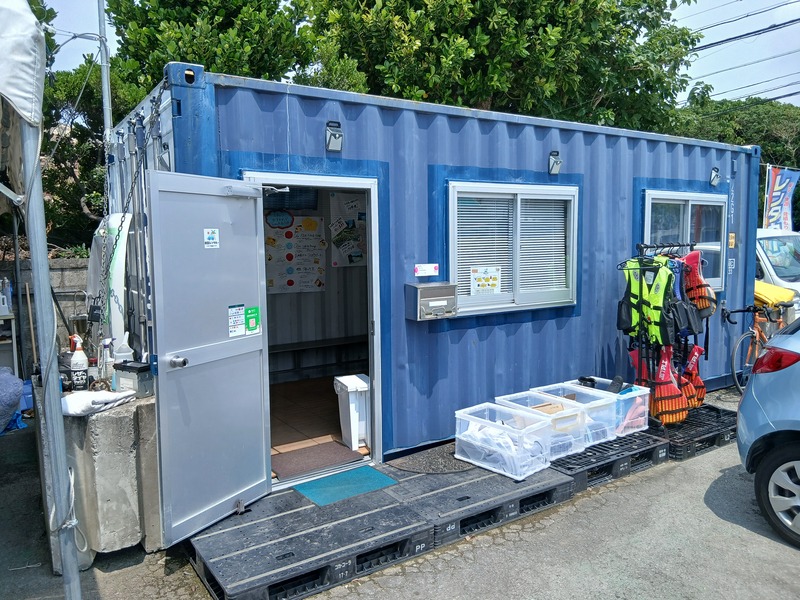
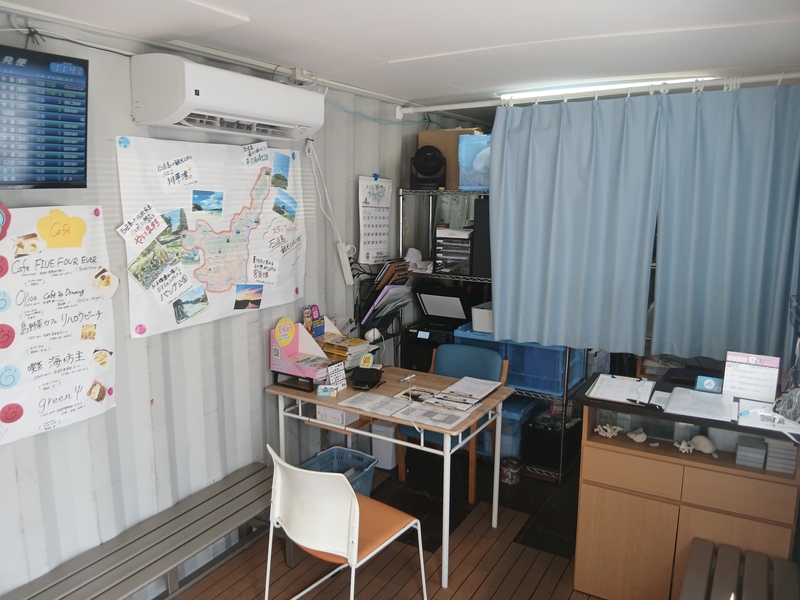
Location
283 Heitoku, Ishigaki-shi, Okinawa
Tel.
+818095752886
Hours
Weekdays 09:00 - 19:00、Weekends & holidays 09:00 - 19:00
Closed
None
Payment methods
・Only cashless payments (various credit cards, electronic money, and QR code pa...
ONES RENT-A-CAR ISHIGAKI AIRPORT
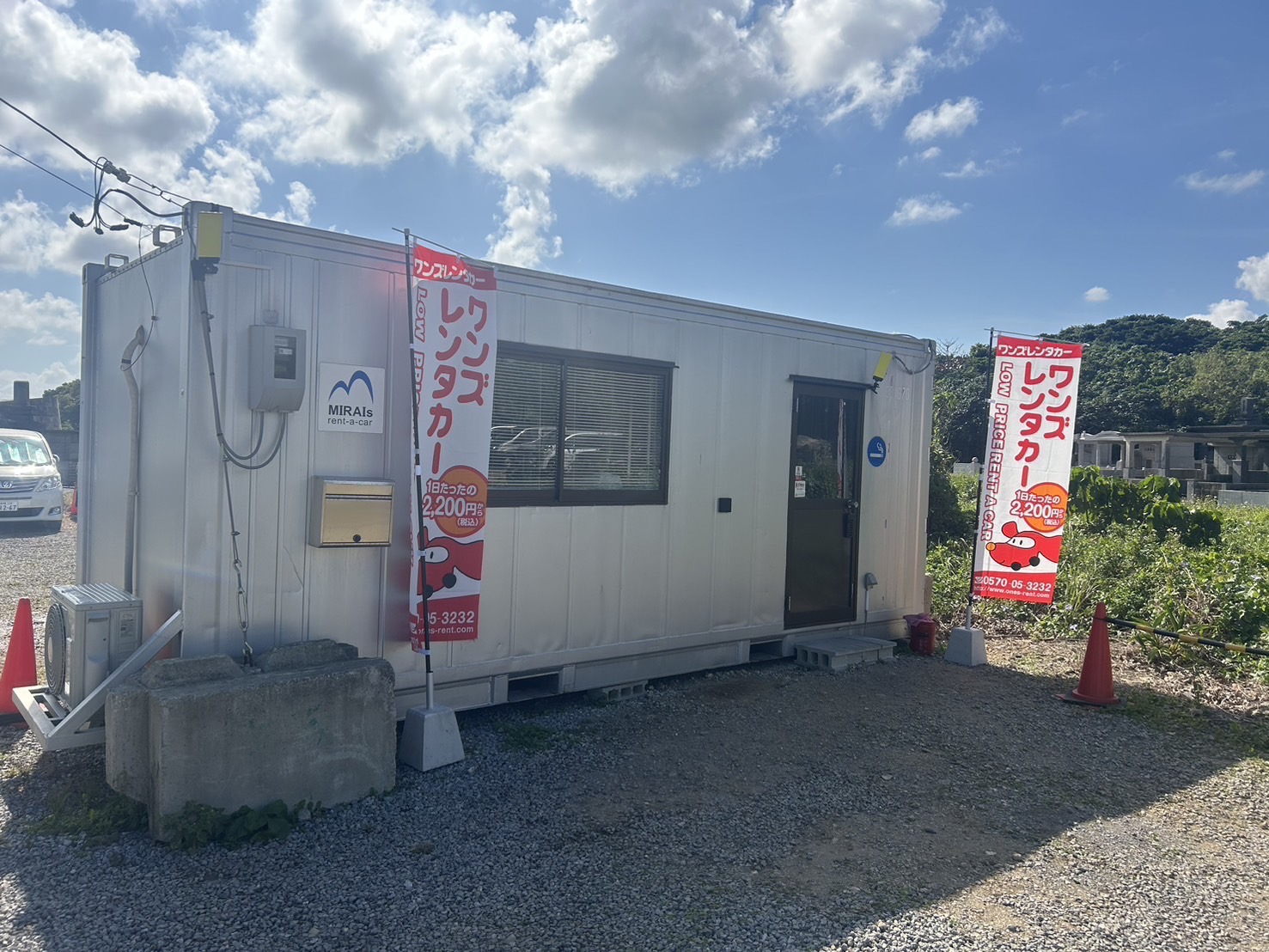
Location
783-1 Shiraho, Ishigaki-shi, Okinawa
Tel.
+818064890737
Hours
Weekdays 09:00 - 19:00、Weekends & holidays 09:00 - 19:00
Closed
None
Payment methods
Cash and credit card payments
Teach Car Rental
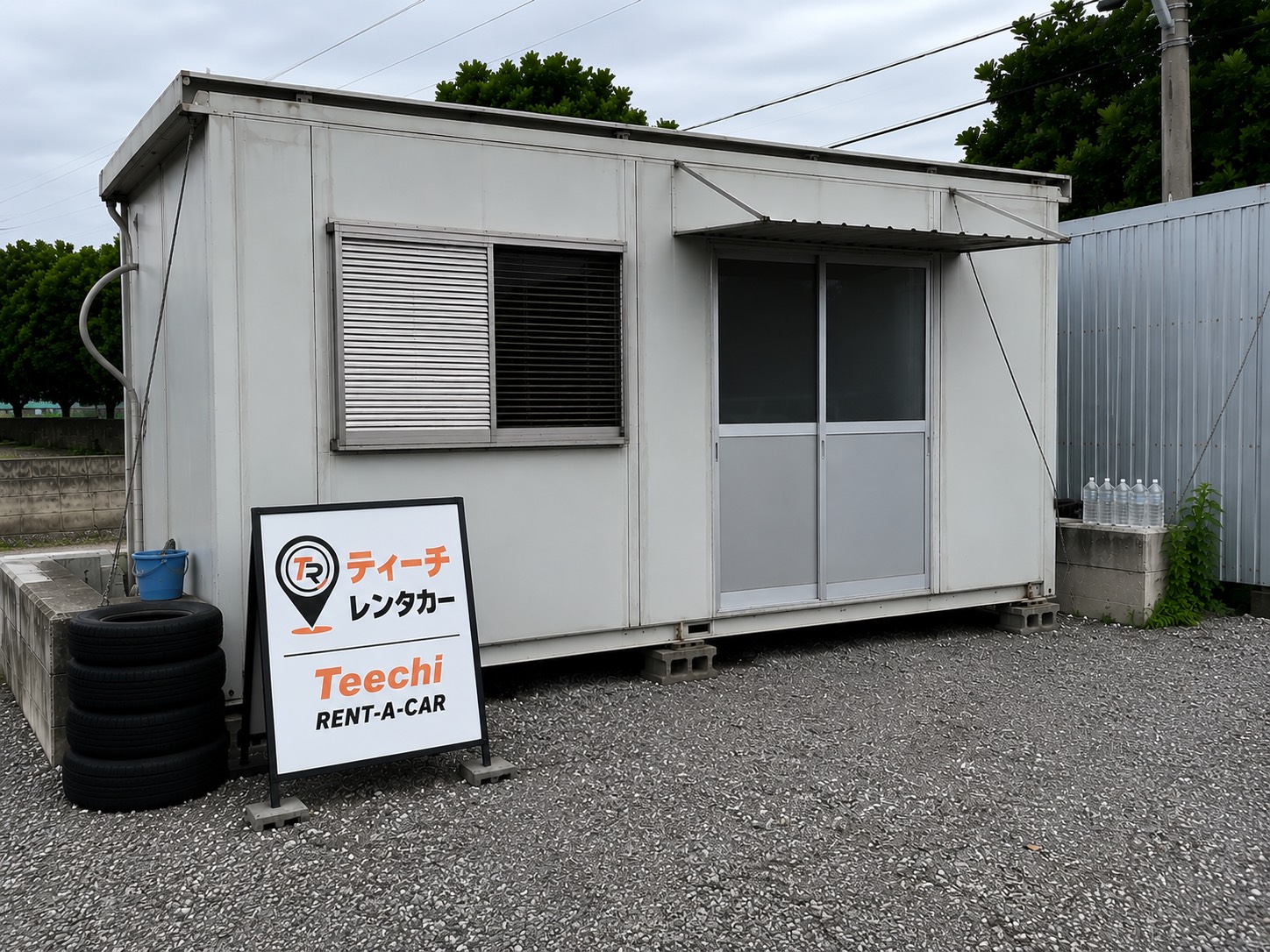
Location
781-1 Shiraho, Ishigaki City, Okinawa, Japan
Tel.
+819068685501
Hours
Weekdays 09:00 - 19:00、Weekends & holidays 09:00 - 19:00
Closed
None
Payment methods
・Cash
・Credit Cards
・QR Code Payments
・Electronic Money
134 Rent A Car EVOLRIDE
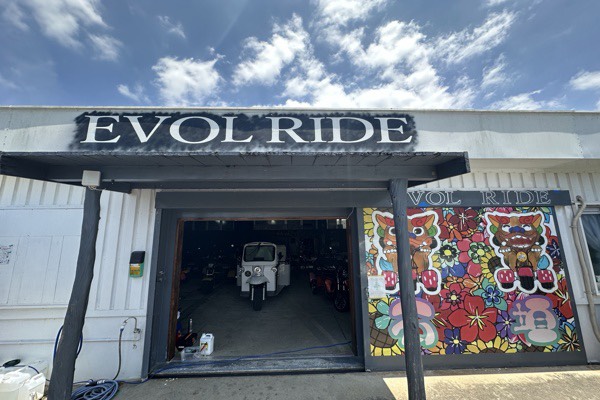
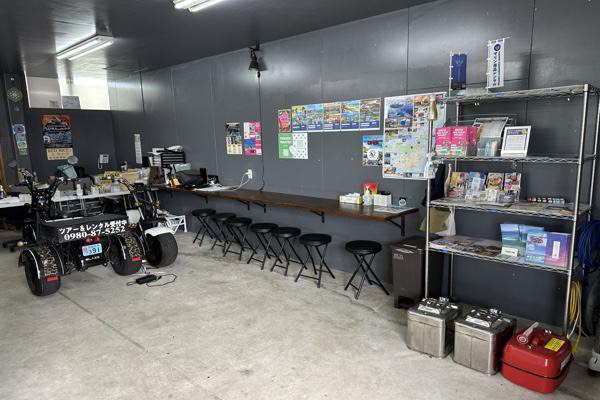
Location
1124-1 Nagura, Ishigaki-shi, Okinawa
Tel.
+81980875252
Hours
Weekdays 09:00 - 18:00、Weekends & holidays 09:00 - 18:00
Closed
None
Payment methods
When paying in cash, you may be required to present an identity verification doc...
ORION Rent A Car Ishigakijima
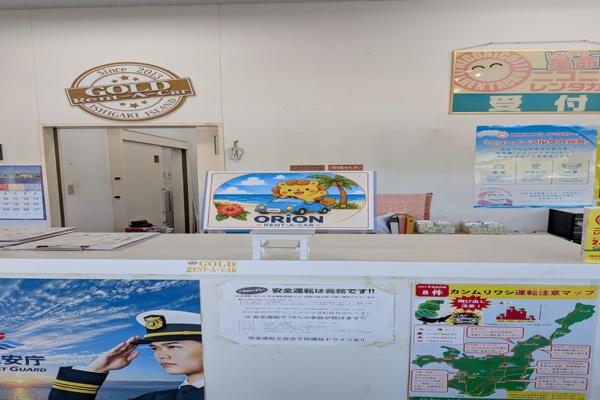
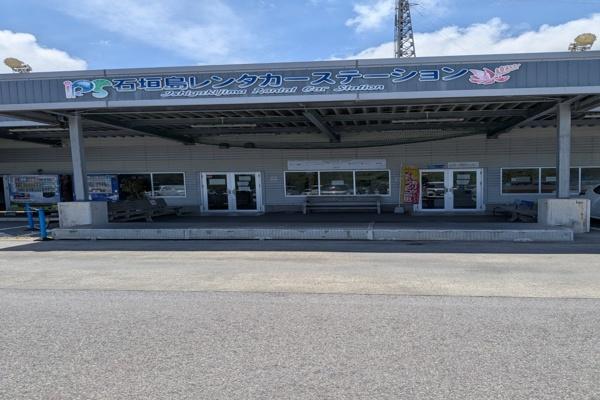
Location
Okinawa Prefecture Ishigaki-shi Moriyama 222-35 car rental station
Tel.
+818033776677
Hours
Weekdays 08:00 - 18:00、Weekends & holidays 08:00 - 18:00
Closed
None
Payment methods
Cash, credit card payments, PayPay
Task Rent A Car
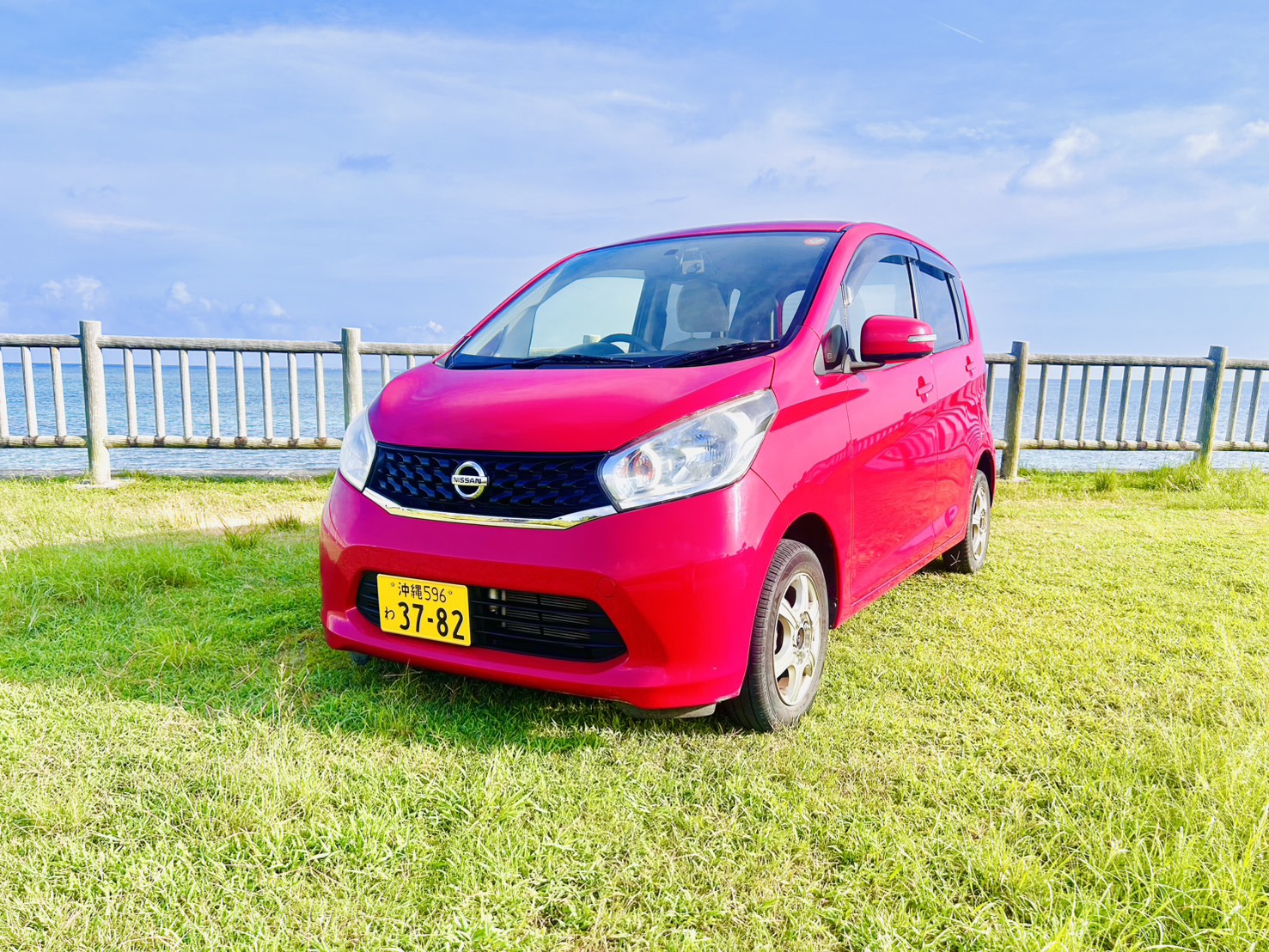
Location
260 Ishigaki, Ishigaki-shi, Okinawa
Tel.
+818018324777
Hours
Weekdays 07:00 - 19:00、Weekends & holidays 07:00 - 19:00
Closed
None
Payment methods
Only cash payments will be made
Mizuiro rent-a-car
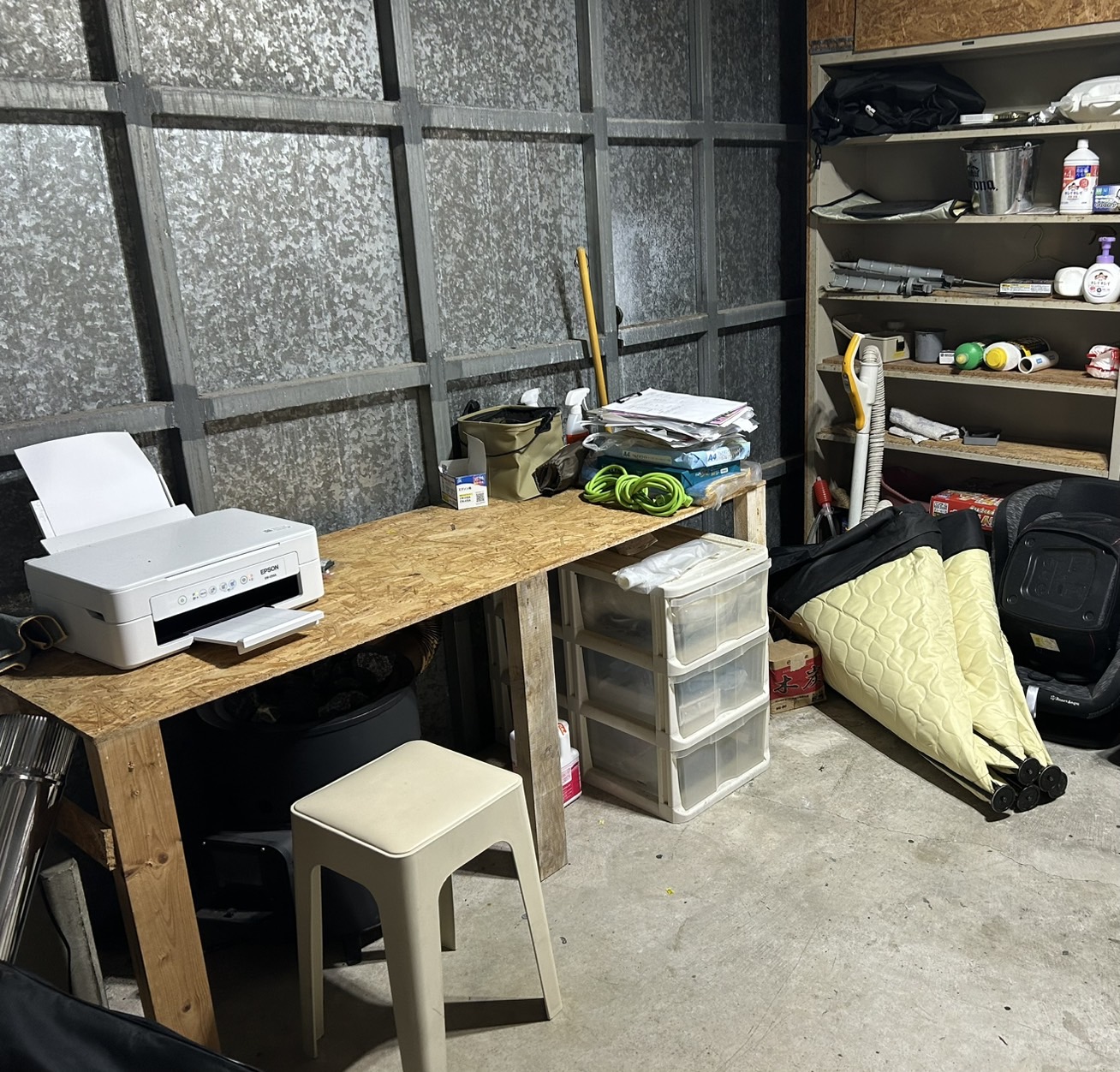
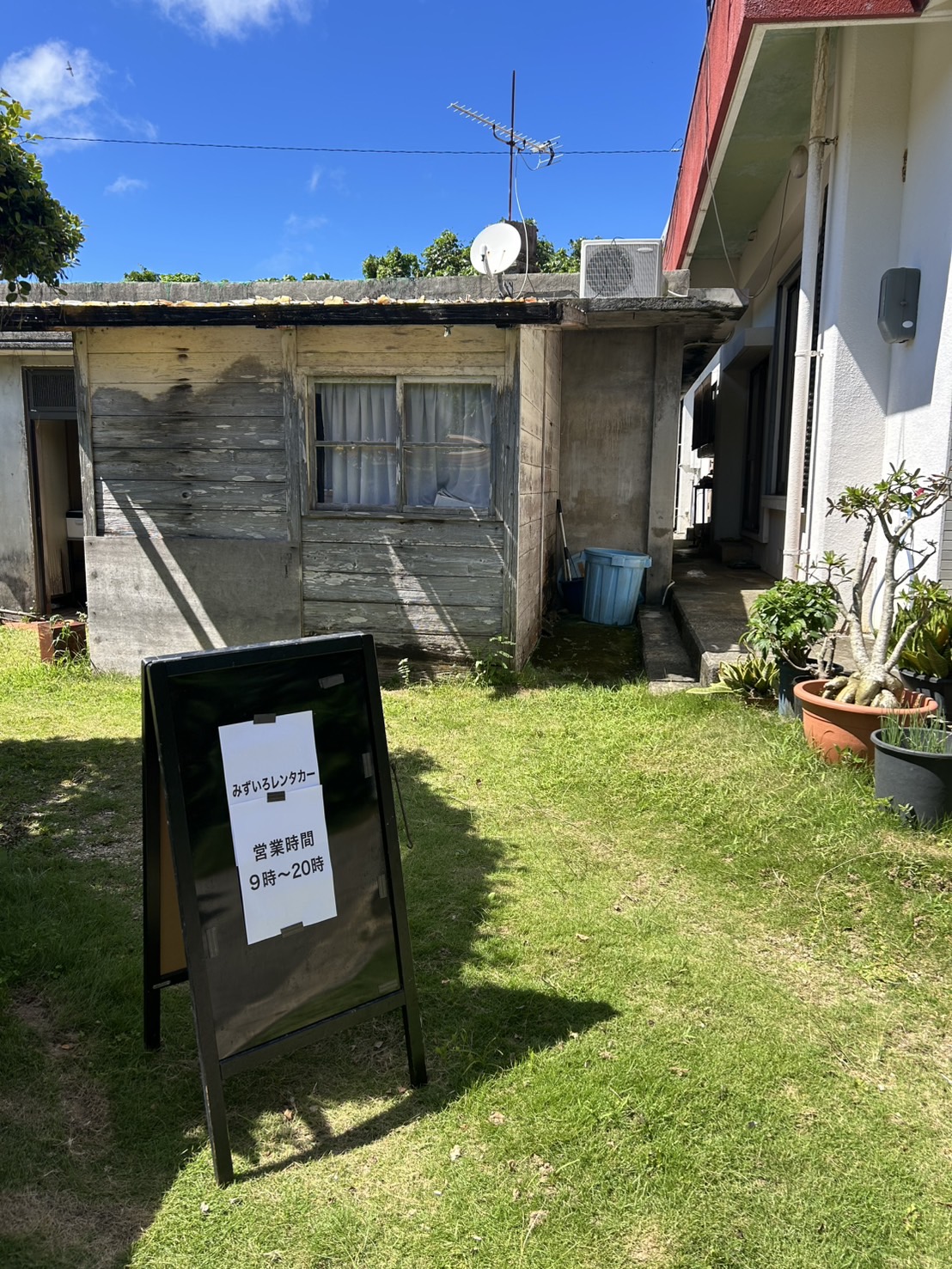
Location
340 Iharama, Ishigaki-shi, Okinawa
Tel.
+818015752471
Hours
Weekdays 09:00 - 20:00、Weekends & holidays 09:00 - 20:00
Closed
None
Payment methods
Local payment (cash only)
How to Use

STEP 1 Make a reservation
Make a reservation for your preferred rental car on this website.
A reservation confirmation email will be sent to the email address you provided during the reservation process.

STEP 2 Pick up your rental car at the rental office
After arriving at the rental office, you will complete the necessary procedures.
You will need to present your driver's license, so please have it ready.
Rental office staff will explain the details of your insurance and compensation coverage, which may be difficult to understand. They will also inform you of points to keep in mind when returning the vehicle. Be sure to clarify any points you are unsure about.
Once these procedures are complete, you can finally start your Okinawa trip in your rental car!
STEP 3 Return the rental car
Complete the return procedures at the rental office.
Generally, you need to fill the tank when returning the rental car.
Be sure to keep the receipt as proof that you filled the tank.
There is often traffic congestion around Naha Airport, so we recommend allowing extra time when returning the car.
User Guide
About cancellations
You can cancel your reservation online up to 4 days before your rental date. Please cancel your reservation through the reservation confirmation email or the Reservation History
Online cancellation is not available from 3 days before your rental date onward.
In this case, please contact the rental car company directly.
About Changes
Changes to your reservation cannot be made online.<br> If you wish to change your reservation, please contact the rental car company directly, or cancel your existing reservation and make a new reservation.<br> Please note that depending on when you cancel your reservation, a cancellation fee may apply in accordance with the cancellation policy set by the rental car company.<br> When contacting the rental car company, please provide the following information to ensure a smooth process: the name used for the reservation, the date and time of the reservation, and the rental period.
When an accident happens
The incident will be treated as an accident regardless of the amount of damage or whether there is another party involved, so please follow the procedures outlined above.
When the car malfunctions
About the Warranty and Insurance System
To help you understand insurance and compensation for rental cars, we will explain the two systems of indemnification and NOC (non-operation charge) compensation.
In the event of an accident involving a rental car user, the car rental company may suffer business losses in addition to damages to people, property and the rented car.
Insurance covers damages to people and property but not the car rental company’s loss of business.
The system that exempts the customer from liability costs (deductible) within the scope of the insurance coverage is called indemnification and the system that exempts the customer from claims for business losses to the car rental company is called “NOC Compensation”.
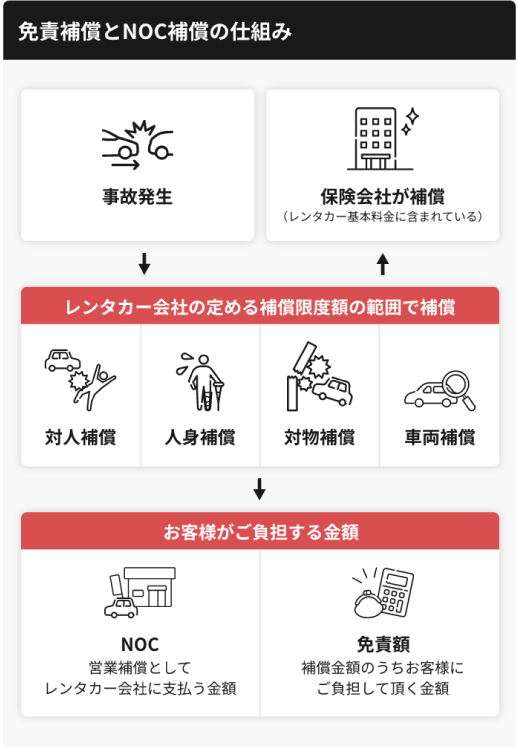
This website provides information on indemnification in the plans of each car rental company.
The conditions of the insurance vary by plan, so please check the plan details carefully.
Even withCollision Damage Waiver (CDW), you will be responsible for any damage exceeding the insurance coverage.
Even with Collision Damage Waiver (CDW), the insurance may also not cover damages that were not reported to the police or that fall under the insurance policy’s exclusions, violations of the rental agreement or situations in which the customer is found responsible for the use or management of the vehicle.
Please note that insurance coverage also varies car rental company.
For more details, please contact the rental company directly.

Without indemnification, you are responsible for any damages covered by the insurance, up to a certain amount.
This fixed amount is known as the deductible.
The amount of the deductible depends on the insurance coverage of the car rental company and the class of car you rent, but it can be quite expensive, ranging from 50,000 to 200,000 yen.
By also enrolling in what is known as Collision Damage Waiver (CDW) when renting a vehicle, the car rental company bears the cost of the deductible on behalf of the customer.
Each car rental company plan on this website has different conditions for enrolling in Collision Damage Waiver.
Some plans already include this coverage in the rental fee, while others allow customers to choose their own coverage.
Please check the details screen for the specific plan.

When a car rental company’s loss of business is not covered by Collision Damage Waiver (CDW), the customer will always be billed separately.
This fixed amount to be paid by the customer is called a Non-Operation Charge (NOC).
This non-operation charge is not only eligible for accidents, but also for events that cannot be lent to other customers, such as damage to in-car equipment (burnt holes in the seat, etc.), theft, hit and run damage.
FAQ
How to make a reservation
① Select either an area / airport / station from the homepage of the OKIREN reservation website.
② Select station/area details
③ Select date and time
④ search button
※Specific search as needed
Please contact the car rental company directly to confirm the details of the listed plan.
Reservations can be made from as early as 2 days later up to 8 months in advance.
It is possible to make a reservation on behalf of someone else. When making a reservation as a proxy, please enter the information of the actual customer who will be renting the car in the customer information section of the reservation form. Please note that the rental car company will receive the information entered for the customer.
Cancellations through the website are accepted up to 4 days before the rental start date.
If the cancellation deadline has passed, you will not be able to cancel through the website.
If you need to cancel after the deadline, please contact us at okiren_contact@o-naz.com
with the following information:
・Name used at the time of reservation
・Date and period of the car rental reservation
・Phone number
・Email address


